WordPress calculator plugin
Add a price calculator to any WordPress page
Create a custom calculator for WordPress, without coding skills. ActiveCalculator automates your lead generation and sales processes.
Build in ActiveCalculator, embed in WordPress

Put your calculator to work
Your WordPress site handles this now.

Instant quotes, no back-and-forth
Visitors pick their options and see their price on your page. Nobody waits for you to reply.
Leads arrive with their answersPro
Each response comes with everything they entered. Get an email, or open it in your dashboard.
Match your brand
Pick a theme or set your own colors and fonts.
Send leads to your toolsPro
Google Sheets, webhooks, or your other apps through Zapier.
Embed on WordPress, or anywhere
Use the block, the shortcode or the Elementor widget. The same embed code works on other sites too.
Tools to grow your business
A few things you can build with ActiveCalculator
Calculators for the way you price, without writing code.
- Price quotes. Per item, per square foot, or any formula you need.
- Product configurators. Options, add-ons and layered product images (Pro).
- Questions that adapt. Show only the questions that matter, on one page or across several.
- A head start. Pick one of 87 templates, or describe your calculator and let AI draft it.

No more back-and-forth
Instant price quotes on your WordPress site
Visitors choose what they need and see their price right away. Nobody waits for you to reply.
- Any pricing model. Fixed prices, per-unit rates, add-ons and discounts.
- Leads with the price. Ask for a name and email next to the total (Pro).

Sell products with options
A product configurator for your WordPress site
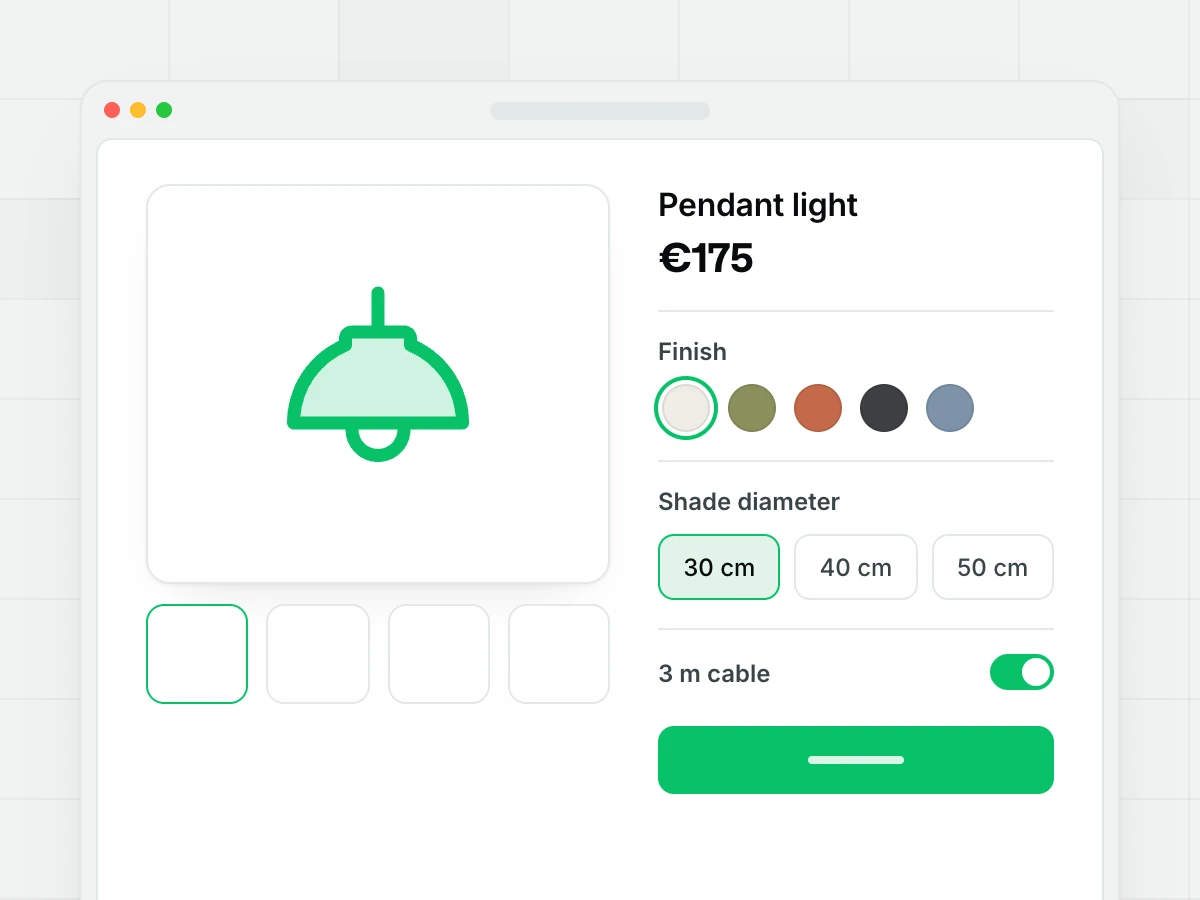
Customers pick a finish, a size and extras, and the price updates as they go. The pendant light at the top of this page is one.
- See every choice. Layered product images change with each option (Pro).
- Only the options that fit. Show or hide choices based on earlier answers.
Questions
Frequently asked questions
Yes. ActiveCalculator – Price Calculator Builder is free on WordPress.org. You build the calculator in ActiveCalculator with no code, then add it with a block, shortcode or Elementor widget.
Install the free ActiveCalculator plugin from Plugins → Add New. Build your calculator in ActiveCalculator and copy the embed code from Share → Embed. Then paste it into the ActiveCalculator block, the Elementor widget, or the [activecalculator id="…"] shortcode.
The plugin and the Free plan are free: unlimited calculators and 100 impressions a month. Collecting leads, email notifications and integrations need Pro, at $19/month billed annually or $29 monthly. After 100 impressions in a month, Free calculators stop loading until the limit resets.
Your calculators are built and hosted there. The plugin only places them on your pages, which is why it stores nothing in WordPress.
The script loads only on pages that contain a calculator, and calculators lower on the page wait until visitors scroll near them.
Yes. The plugin adds an ActiveCalculator widget to Elementor. Search “ActiveCalculator” in the widget panel, drop it on your page and paste your embed code. The Elementor editor shows a placeholder, and the calculator appears on the published page.
Yes, through the shortcode. Put [activecalculator id="…"] in the builder's shortcode, text or code module.
To your ActiveCalculator dashboard (Pro). From there you can send them to Google Sheets, a webhook or other apps through Zapier.
Stop wasting time on manual quotes
Build a price calculator for free and add it to any WordPress page.